Guides
How to test your site or web app on every screen, with the tools available today and what each one does well.
Mobile keyboard covering your input or fixed footer? How to fix it on iPhone and Android
Why the phone keyboard hides the input or the Send button, why iPhone and Android get it wrong in different ways, and the fix for each.
Mobile viewGalaxy S25 · 360 × 780 
How to view the mobile version of a website on desktop
The shortcut that opens mobile view in every desktop browser, how to pick the right device, and where this view stops matching a real phone.
SimulatorsPixel 9 · 412 × 923 
Mobile simulators for testing a website: every option on PC and Mac
Seven ways to see your site the way a phone does, from the fastest to the most faithful, and what each one is good for.
FormsiPhone 16 · 393 × 852 
How to stop iPhone Safari zooming in on input focus (without breaking pinch zoom)
Why Safari zooms the page when someone taps a form field, the right CSS fix, and the popular shortcut that quietly takes zoom away from people who need it.
iPhoneiPhone Air · 420 × 912 
iPhone simulator for Windows? How to test a website on iPhone without a Mac
There is no iPhone simulator for Windows. What you can check on a PC, what only real Safari shows, and the cheapest way to reach each one.
PWAiPhone 17 Pro · 402 × 874 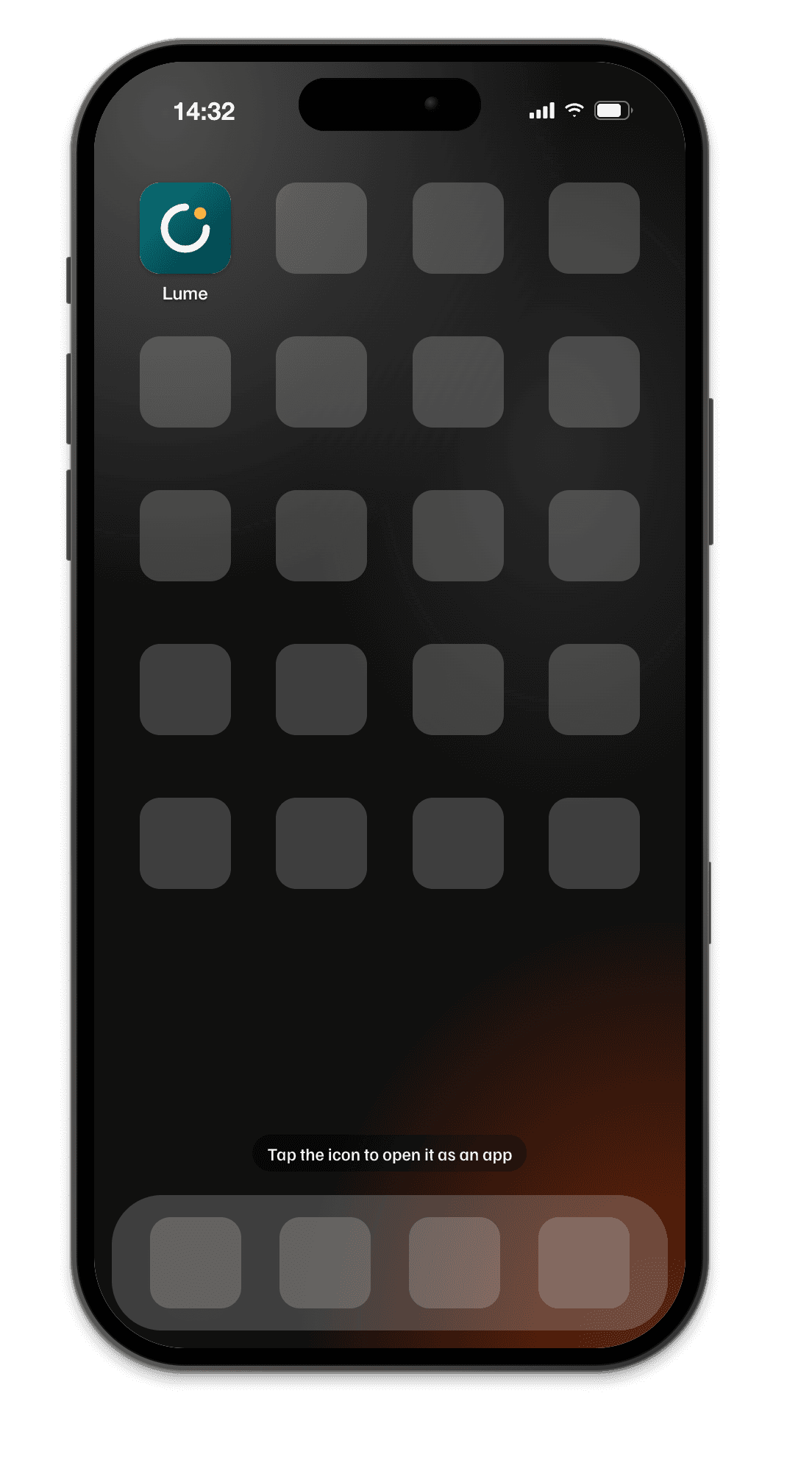
How to test a PWA on iPhone (and from localhost)
Why your PWA works on localhost and breaks on the phone, how to get HTTPS to an iPhone in five minutes, and what iOS still does differently in 2026.
SafariiPhone 17 Pro · 402 × 874 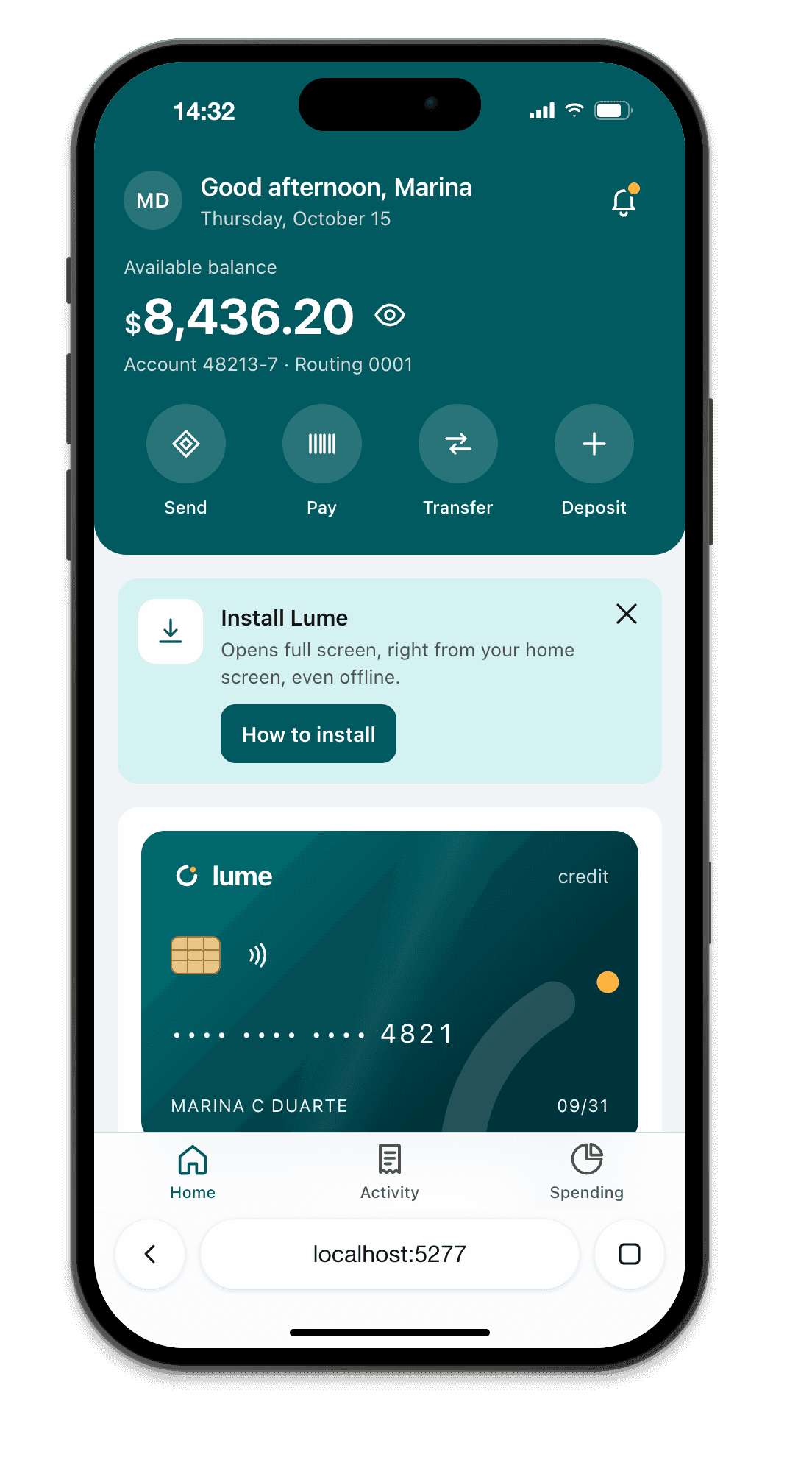
Safari 100vh bug: the address bar, dvh, svh and lvh (iOS 26)
Why 100vh overflows on iPhone, the three viewport units that replace it, which one to pick for each layout, and the iOS 26 toolbar details nobody has written down yet.
Safe areaiPhone 17 Pro · 402 × 874 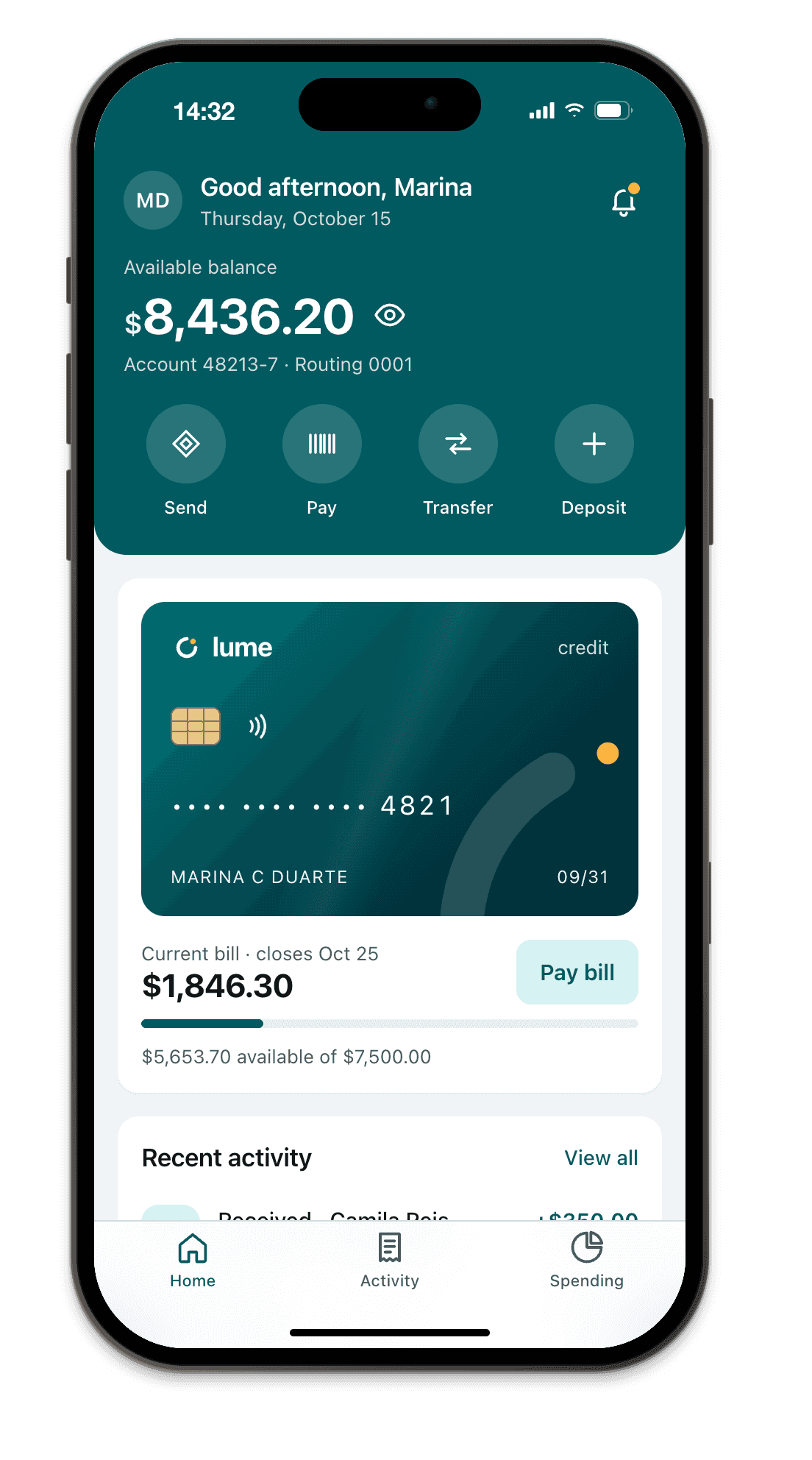
env(safe-area-inset-bottom) not working? Every cause and fix
A 30 second diagnosis, then each reason the inset comes back as 0 (or as the wrong number), with the fix and a snippet to read the real values on the device.