MacBook Pro 16″ viewport size and resolution
The MacBook Pro 16″ has a 1728×1117 CSS pixel screen, a device pixel ratio (DPR) of 2 and a physical resolution of 3456×2234. With Chrome maximized, the page gets 1728×999.
- Screen
- 1728×1117
- Chrome maximized
- 1728×999
- DPR
- 2
- Physical
- 3456×2234
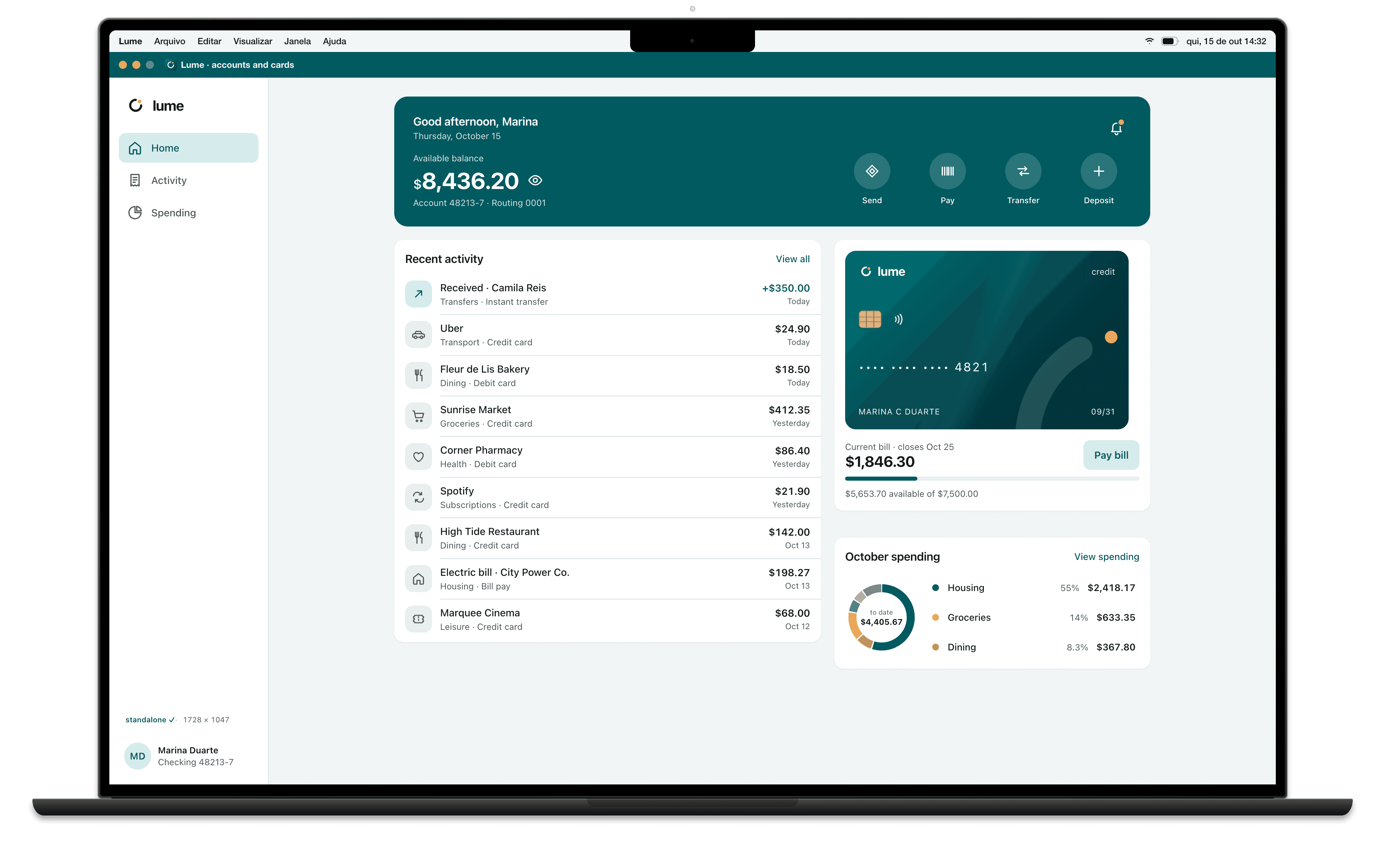
Measurements
| Screen | 1728×1117 |
|---|---|
| Device pixel ratio (DPR) | 2 |
| Physical resolution | 3456×2234 |
| Menu bar | 32 px |
| Space left for windows | 1728×1085 |
| Maximized Chrome viewport | 1728×999 |
| Installed app (PWA) viewport, maximized | 1728×1047 |
| OS | macOS |
| Note | macOS default resolution |
CSS for the MacBook Pro 16″
Media query by width
Breakpoints are written in CSS pixels, never in physical resolution.
/* MacBook Pro 16″: maximized window, 1728 CSS px wide */
@media (max-width: 1728px) {
  /* … */
}

/* screens with a DPR of 2 or more */
@media (min-resolution: 2dppx) {
  /* 2x images */
}
How Breakpane emulates the MacBook Pro 16″
Breakpane opens the MacBook Pro 16″ as a 1728×1117 screen with the device's frame, density (2), the user agent of Chrome on macOS and the system bars, floating in front of your editor with your dev server live.
More devices: Laptops
Measurements from Breakpane's device catalog, checked against public sources (the Chrome DevTools device list, useyourloaf.com, deviceatlas.com, yesviz.com, webmobilefirst.com and 1440px.com) between Oct 2, 2026 and Oct 5, 2026.